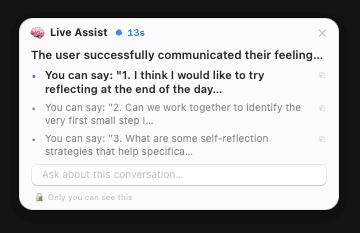
Under the hood
A local speech engine handles voice processing on your Mac, while a cloud or local AI provider powers the thinking layer. You choose how much stays on-device.
On-Device Speech Engine
A custom speech recognizer running locally extracts rich metadata — intent, emotion, entities — directly from your voice before anything else happens.
Smart Routing Layer
Every request is analyzed and routed automatically — writing, research, live assist, or Mac control — based on what you said and what app you're in.
Cloud AI (Preferred)
Add your Gemini API key from Google AI Studio for the best experience. OpenAI & Claude support coming soon.
Local LLM Option
Prefer to keep everything on-device? Use any local model via Docker. Your data never leaves your machine.
Cloud AI vs local LLM
Cloud AI (e.g. Gemini): Best quality and lowest latency from your Mac; your requests go to the provider you choose. Local LLM: Keep everything on your Mac using Docker — no voice or prompts leave your machine. See Docker for the image and setup.
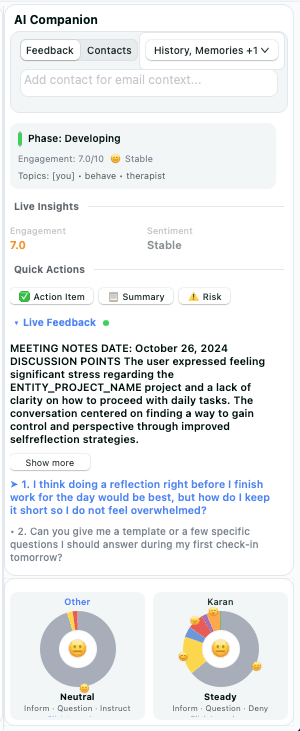
Bring your own model
You can run a local LLM of your choice inside Docker. The app connects to the unified stack (gateway, ASR, agent, LLM) so all processing stays on your machine. For the exact image and ports, see the Docker page.
whissleasr/unified-nollm:latest — one image for the full local stack.